You can log in via the website or the mobile app.
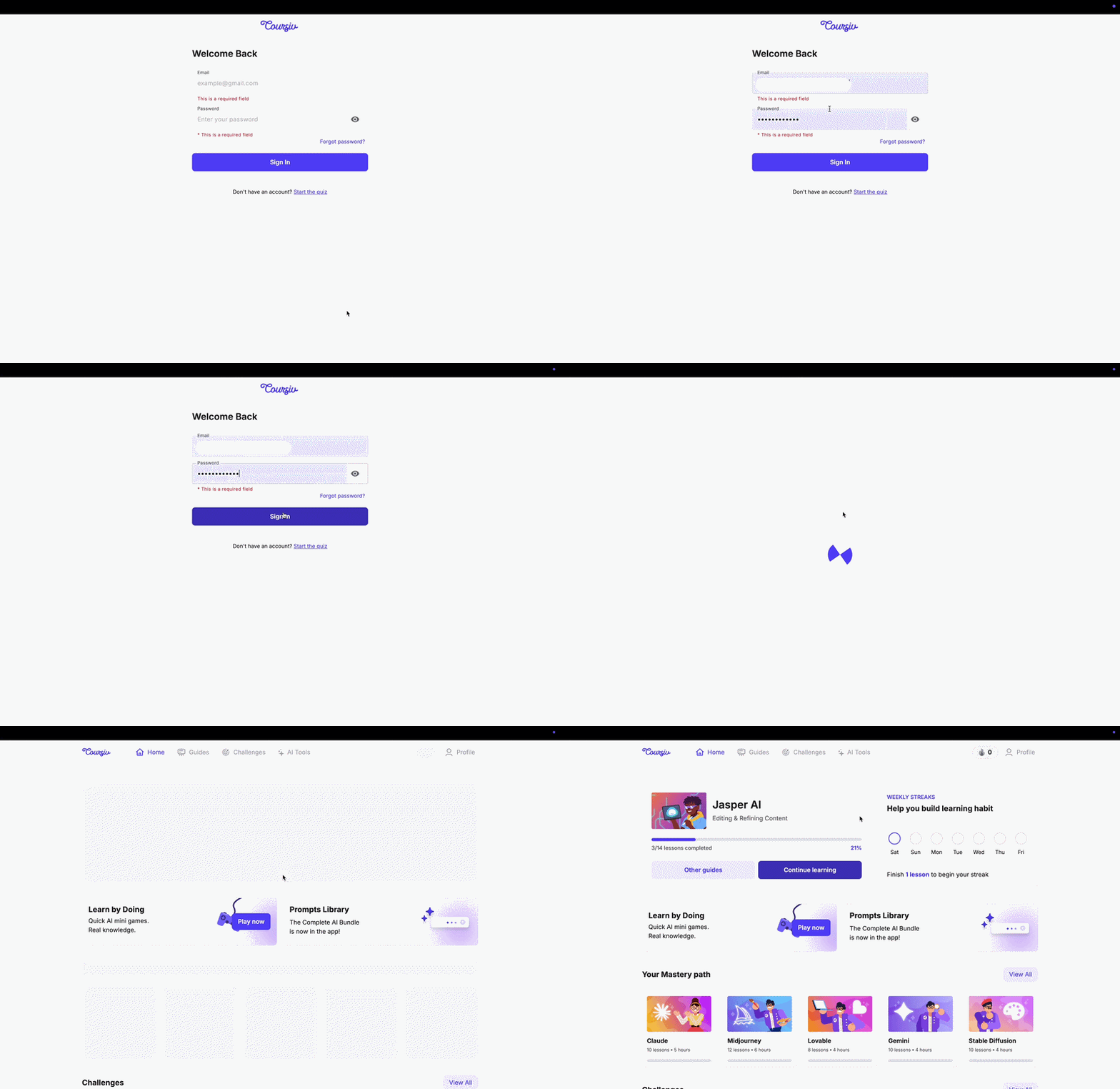
Via website Go to Coursiv, enter your email and password.
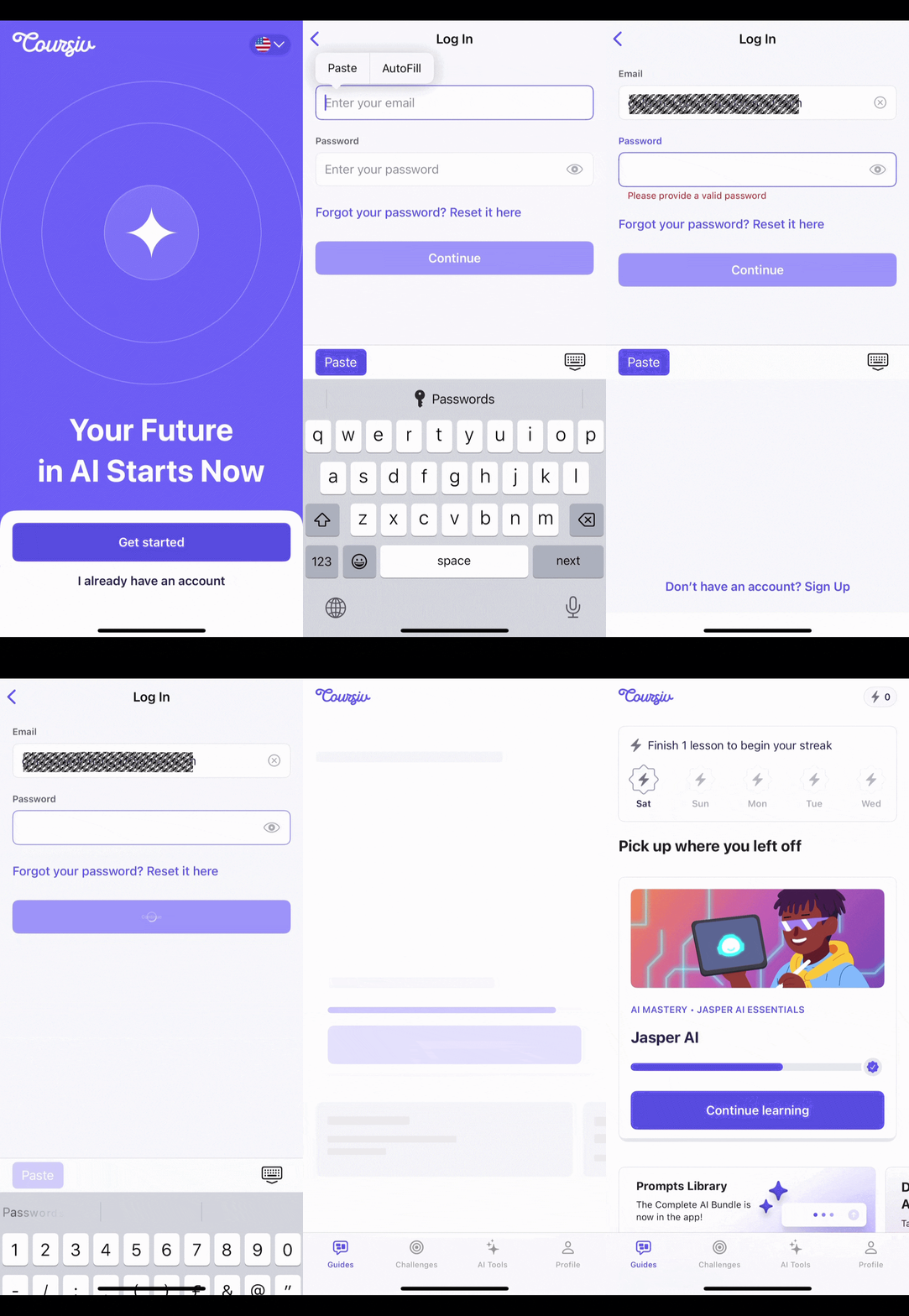
Via mobile app Open the Coursiv app → tap I already have an account → enter your email and password.
Having trouble? Find your case below:
1. You see "Seems like you have not registered yet"
This means your account wasn't created yet. Check your inbox for an email from info@notifications.coursiv.com titled "Complete your registration at Coursiv" and click Create account.
Don't see the email? Check your spam folder. Still nothing — email us at support@coursiv.io with the address you used at checkout.2. You see "Seems like you have already registered"
This email is already linked to an account. Go to the login page and use Forgot password if you don't remember your password.
3. You forgot your password
- Go to Reset password
- Enter your email and click Send code
- Enter the 6-digit code from your inbox
- Set a new password
Didn't get the code? Check your spam folder. Still nothing — try again in a few minutes or contact support@coursiv.io.4. You don't remember which email you used
Email us at support@coursiv.io with your payment details so we can find your account:
- Invoice or payment receipt
- Payment date and amount
- Last 4 digits of your card
- Issuing bank name
Still having trouble? Contact us at support@coursiv.io
Was this article helpful?
That’s Great!
Thank you for your feedback
Sorry! We couldn't be helpful
Thank you for your feedback
Feedback sent
We appreciate your effort and will try to fix the article